Back to Blog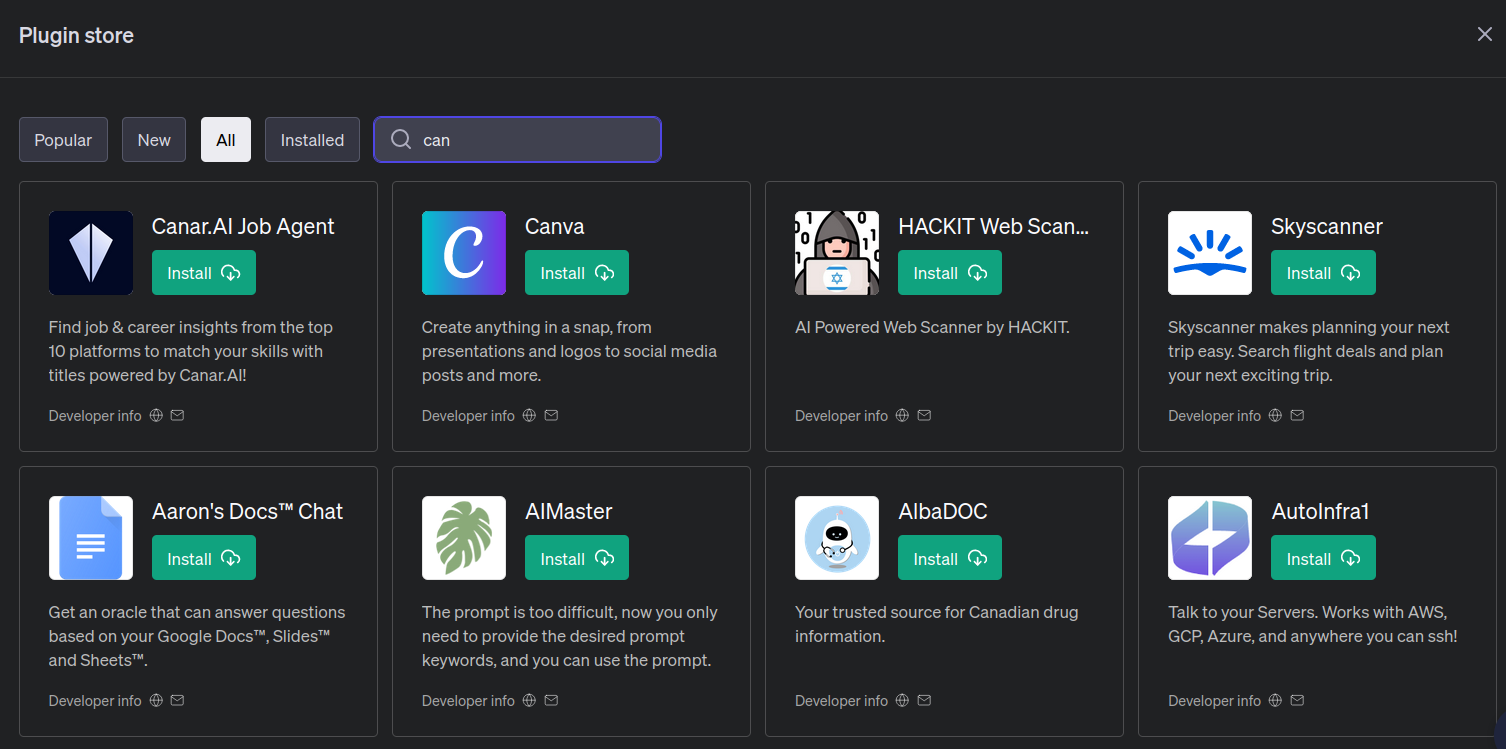
How to Use ChatGPT and Canva to Create Content
In today's world, speed and efficiency are the keys to success. Especially when it comes to creating content for social media. And what if you add the ability to create designs without needing deep knowledge of graphic editors? This is where the combination of ChatGPT and Canva comes in handy!
1. Activating the Canva Plugin in ChatGPT
- Open the plugin store in ChatGPT (note: only available in the paid Plus version).
- Find and install the "Canva" plugin.
2. Formulating a Request to ChatGPT
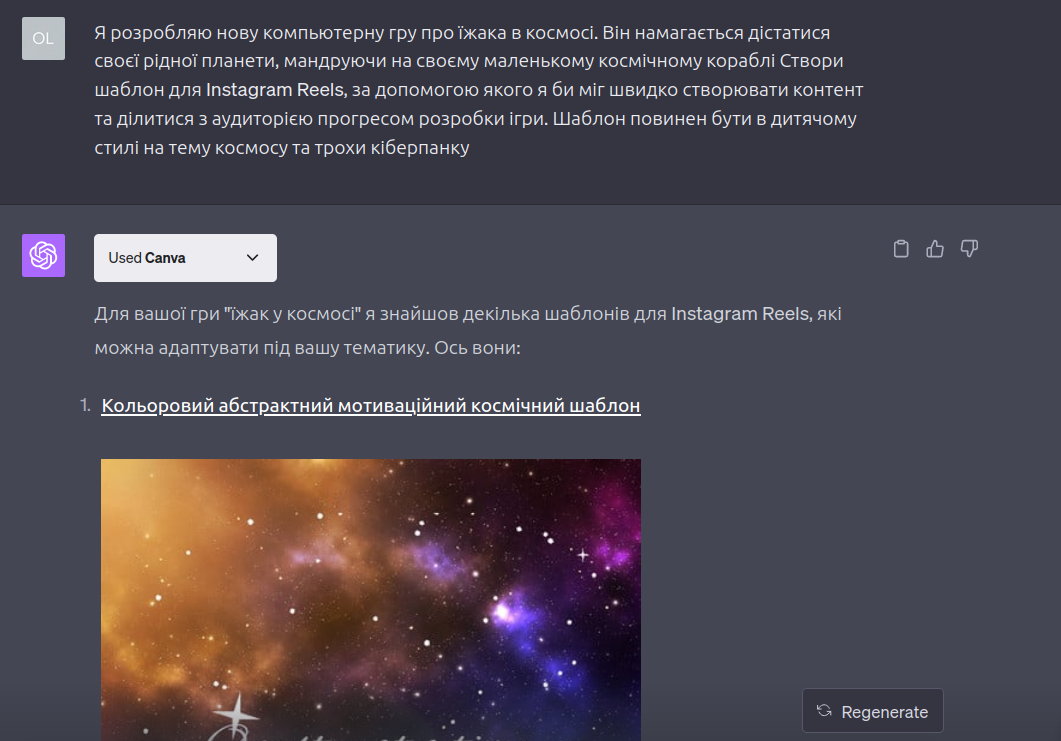
- Create a new dialogue and select GPT-4.
- Check for the presence of the Canva plugin.
- Write your request. For example, I asked ChatGPT to create a template for Instagram Reels.
3. Editing and Saving the Template
- Once ChatGPT presents you with template options, choose the one you like the most.
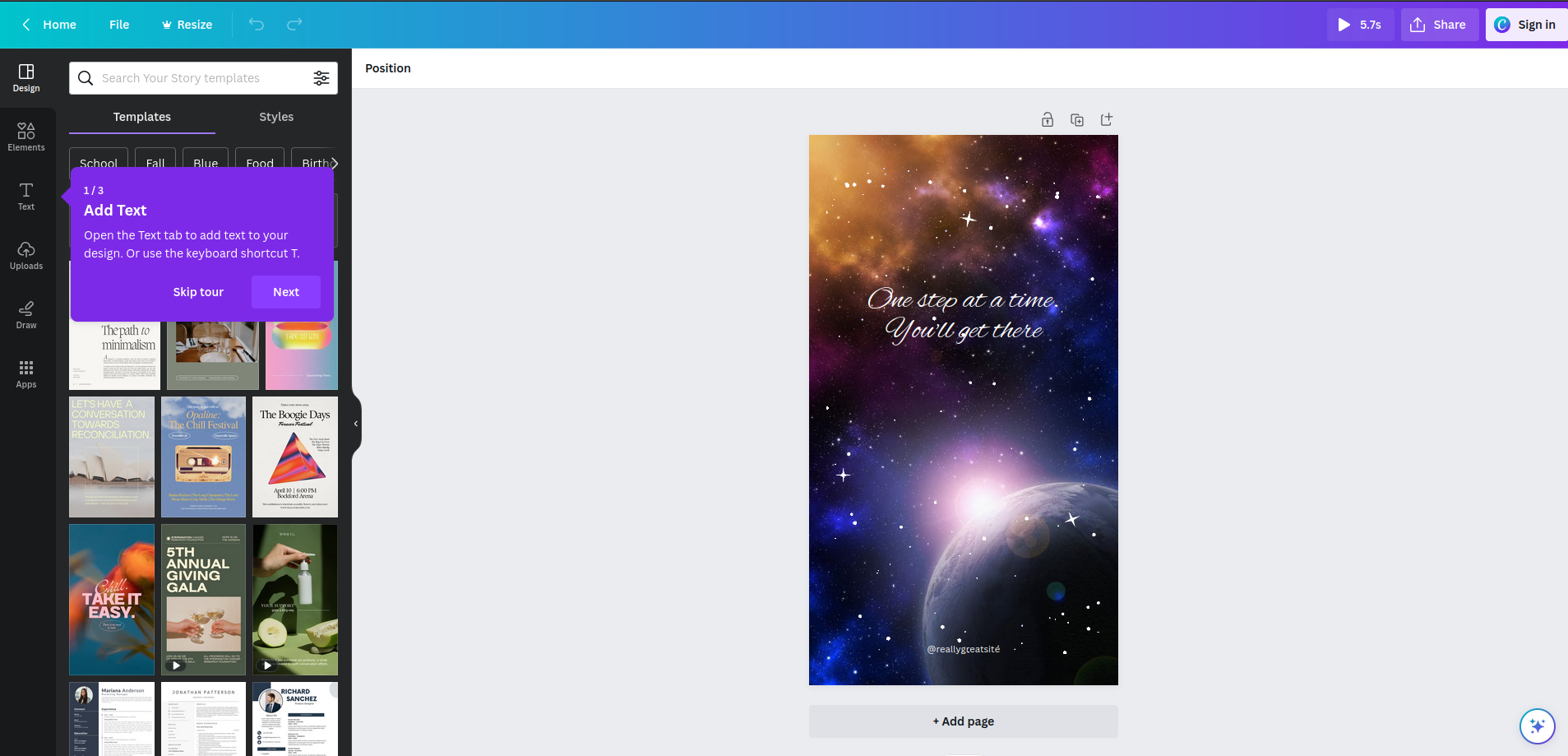
- Go to the Canva service using the provided link and edit the design according to your preferences.
- Save the finished project to your computer.
Now that you know how to quickly and easily create designs in Canva through ChatGPT, why not try it today? It will be interesting to see your masterpieces!