Session Timeout in Dialogflow. What to Do?
When creating a chatbot on the Dialogflow platform, you will sooner or later encounter such a concept as context. Yes, it is through contexts that the bot understands at what point the dialogue with the user is. Using context, you can pass data between intents, create tags, and much more.
For more details about contexts, see separate video on my YouTube channel.
The downside of context is that it lives no more than 20 minutes. In practice, it happens like this:
- The user started a dialogue with the bot.
- The bot asked to enter the first parameter.
- The user entered the parameter, moved on to entering the second parameter and stepped away from the computer (closed the laptop, minimized Telegram along with the bot...).
- After 30 minutes, the user remembered that they had an unfinished dialogue with the bot. Entered the second parameter, but the bot no longer understands it. Instead of accepting the value of the second parameter and moving to the next step, the bot returns to the greeting.
Do you think the user will want to repeat the whole procedure? Probably not.
This "trick" happens because the open session of the bot with the user lasts only 20 minutes. If the user thinks for a long time and gets distracted from the dialogue, the dialogue is interrupted, and the bot "pretends" to see the user for the first time.
We cannot influence the session time – this is a technical limitation. It would be nice to also record such dialogues that "dropped off" so that we could manually contact users, i.e. transfer control from the chatbot to a human.
What can we, as chatbot developers, do? There are several options. Let's start with the simplest one, which is No-code (without programming).
Simple Option
Unfortunately, we cannot prevent the session from breaking. Therefore, try to design dialogues so that the user can "jump" to any key step as quickly as possible, without having to go through the entire dialogue chain from the beginning.
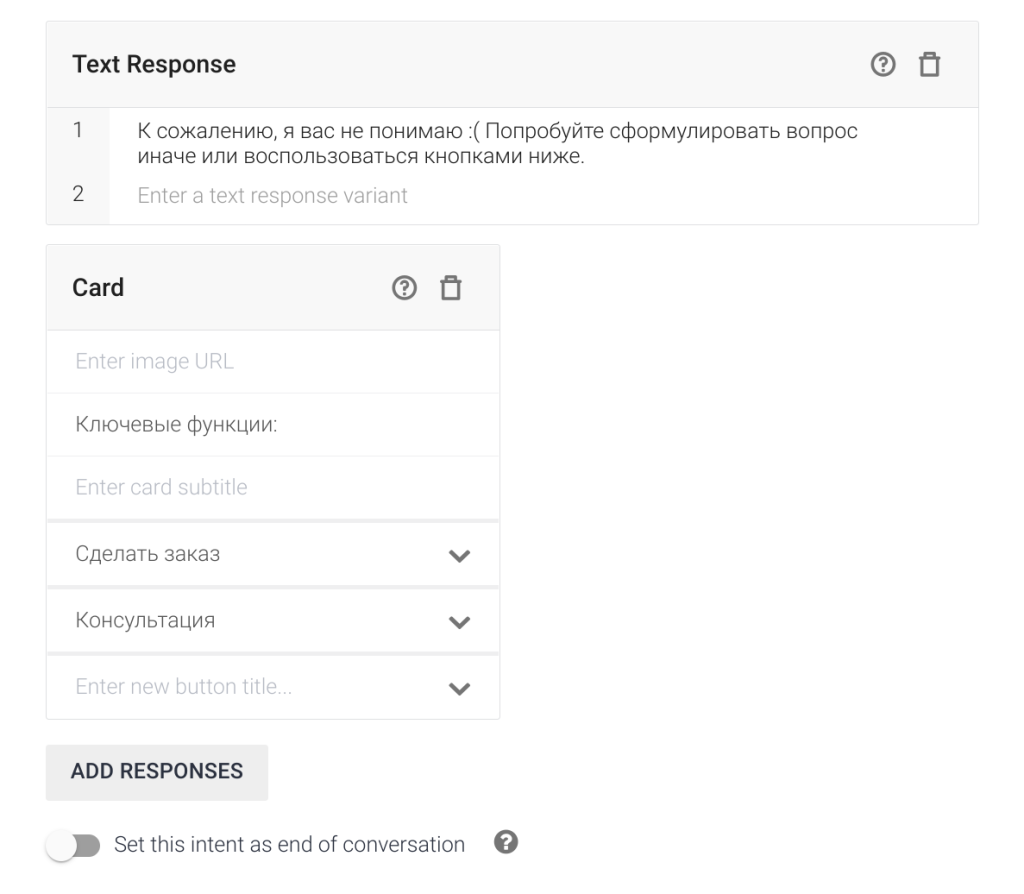
Open the fallback intent and add Custom Payload with buttons (quick replies) to the standard response that will open the desired step.
You can also get a bit "fancy" with third-party automation services (Integromat). With their help, you can create a timer ("smart delay"), and after the time expires, the service will return a message to dialogflow like: "Are you still here? Let's continue?". Firstly, this is a chance that the user will notice the message in the messenger and return to the dialogue, and secondly, in such a message, you can even send buttons with key intents that the user can use after the session.
Complex Option
Suitable only for technical specialists familiar with server programming and databases.
The point is that you will have to create a server part (you can even do it in the built-in Dialogflow editor) where there will be a dialogflow intents handler.
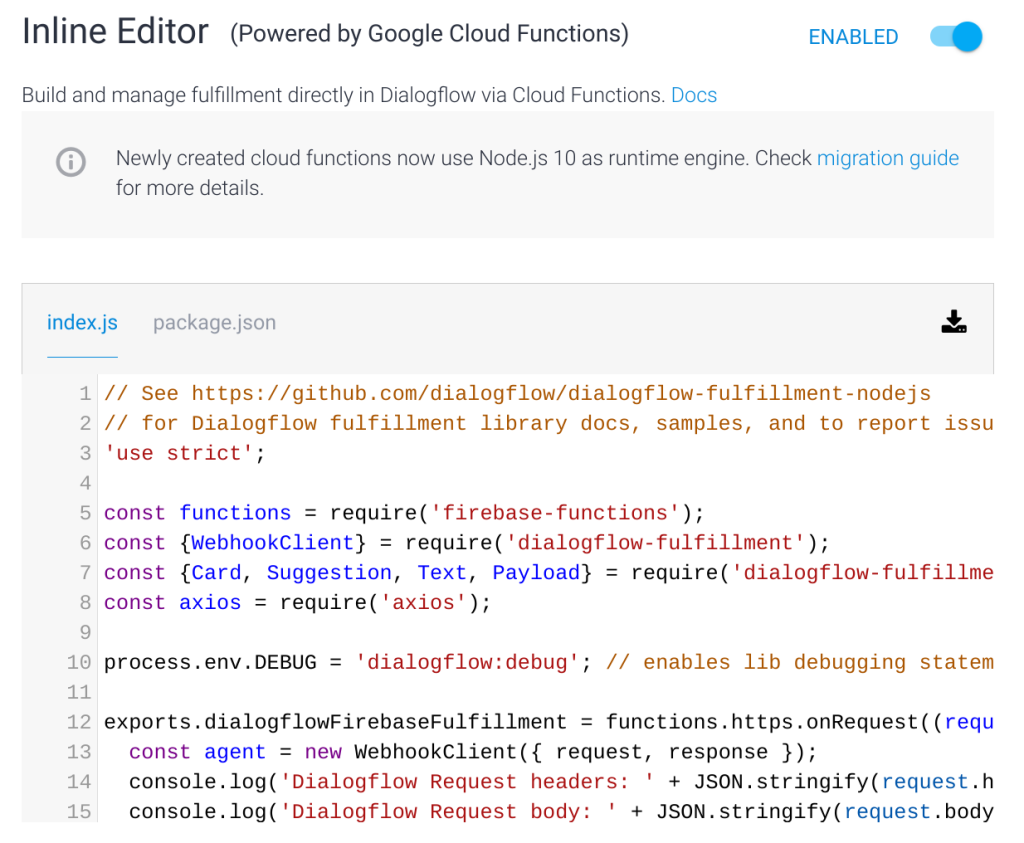
That is, after each user action, a request will be sent via webhook to the server, and the server, in the face of your program, will be able to extract the user ID from the request.
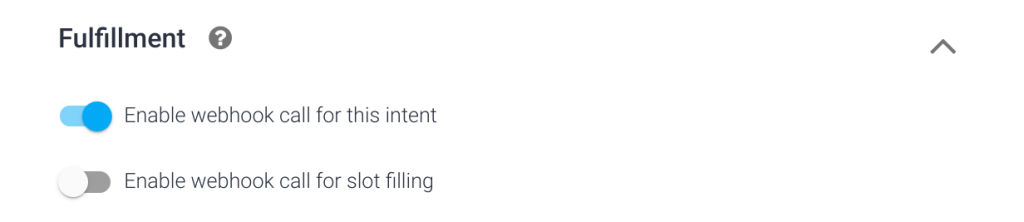
Next, you need to save the ID in the database to understand who talked to the bot and who didn't.
Additionally, you can get the intent name, parameters, and lots of other information from the POST request, which can also be saved in the database. Now, even if the 20-minute session was interrupted and the user started communicating with the bot again, you send a request (on the very initial welcome intent), check if this user has communicated with the bot before (compare IDs) and restore the session.
By the way, if you take something like Kommunicate, you can put almost all of this on it. But you'll have to pay from $30/month (for each bot) and up. This is the whole "charm" of third-party services. It's quite expensive plus you'll still spend a lot of time on proper setup.
I hope I've given you some thoughts and set the right direction :smile:
If you have questions — write or come for an individual consultation. Contacts can be found on the website.